
Is Grok Imagine Image 2.0 available here?
Yes. The generator on this page supports Grok Imagine Image 2.0 and selects it by default. You can create an image from text or edit one uploaded reference.
Create detailed photos, illustrated posters and text-rich designs with Grok Imagine Image 2.0 by describing your idea or uploading one image to edit.
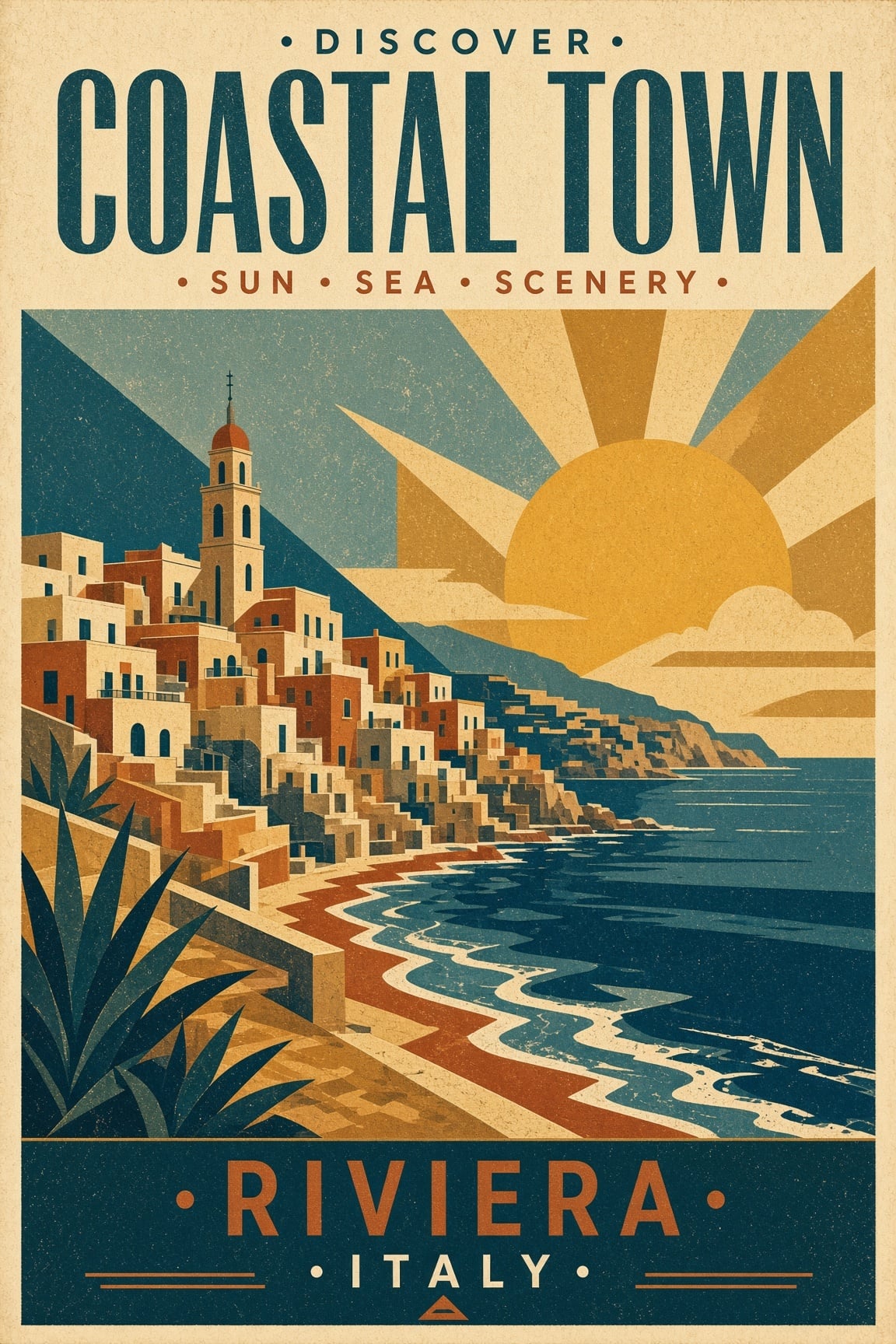
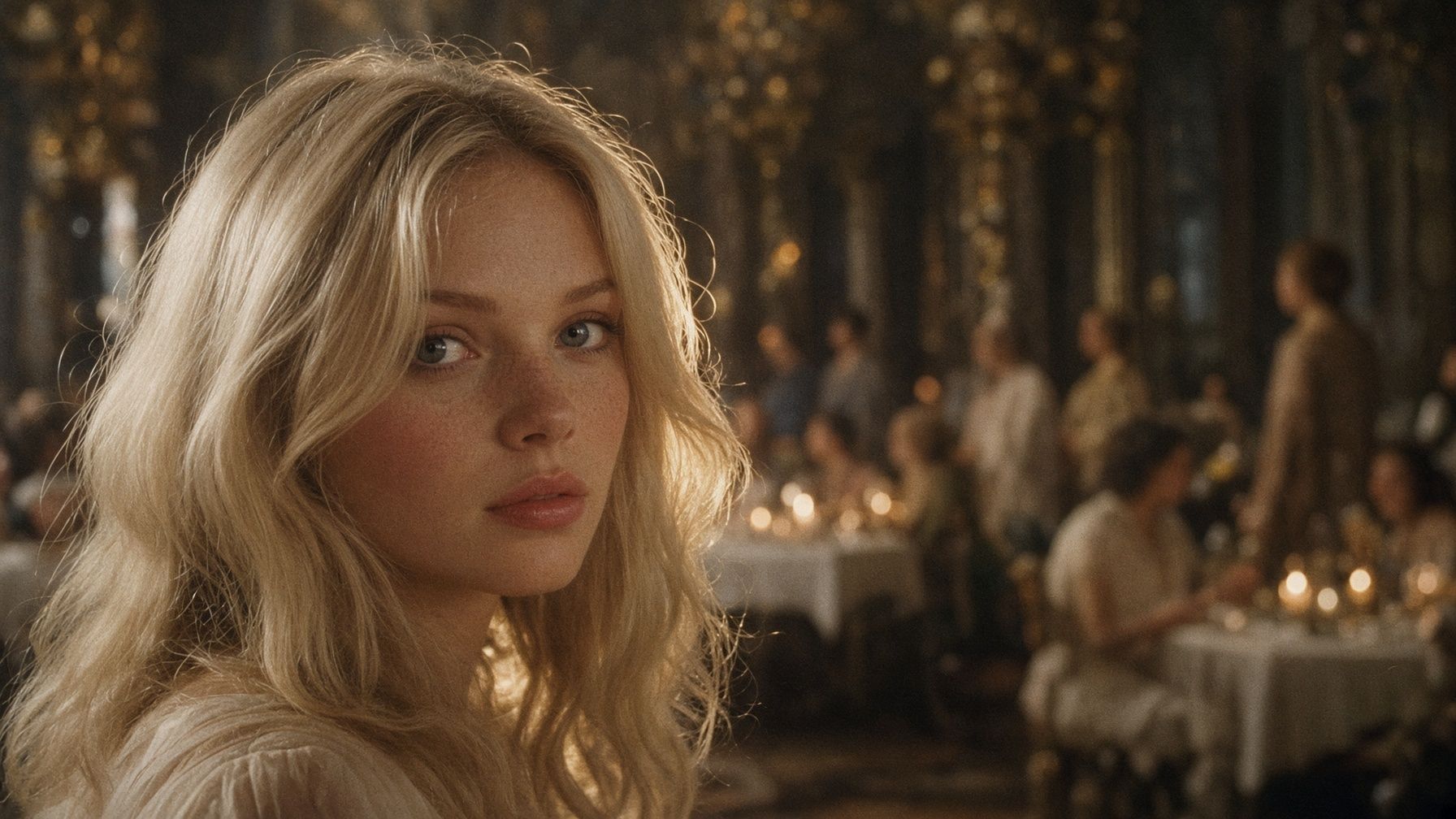
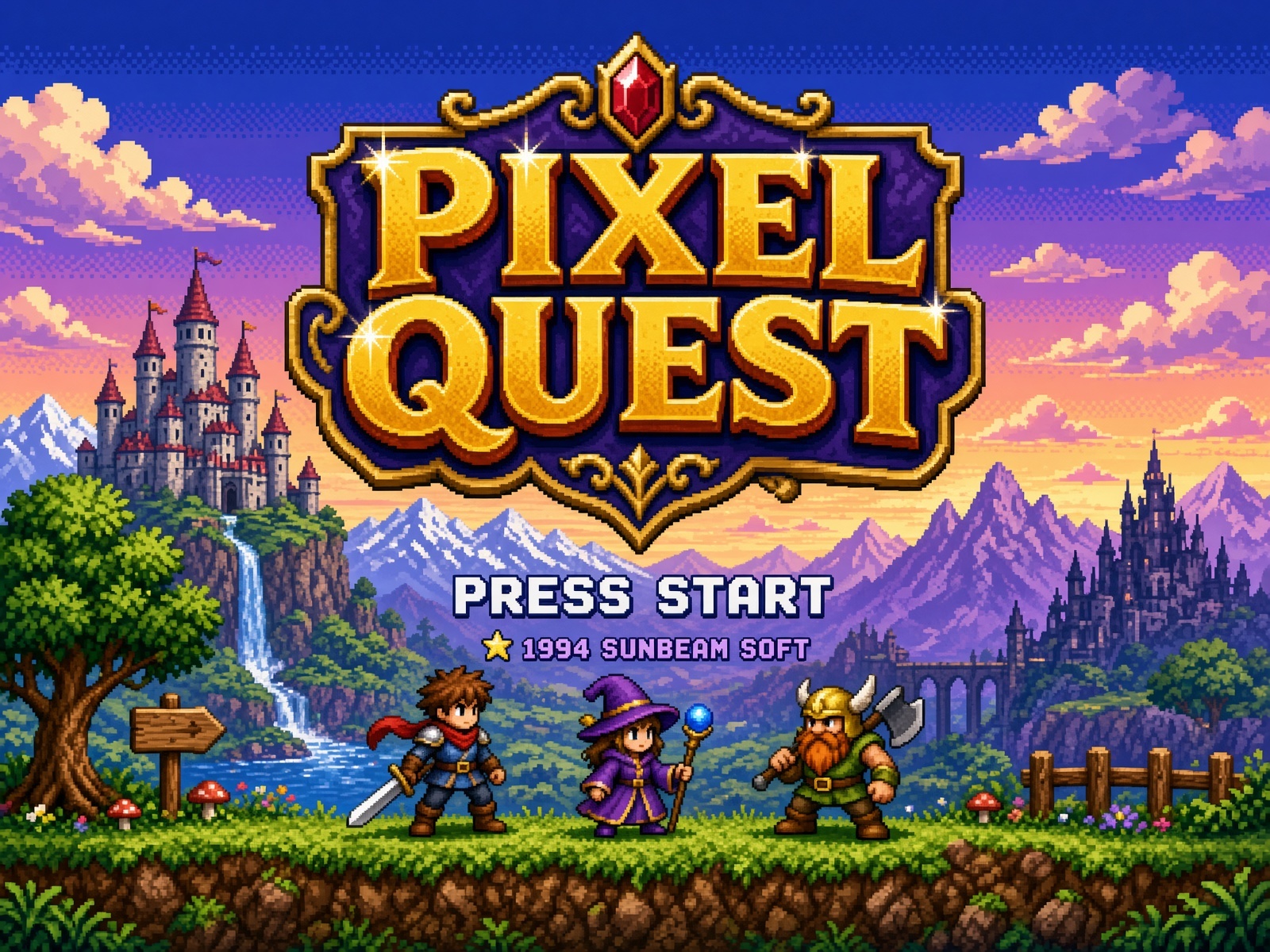
Example results — your generated image will appear here
Explore lettering, lighting, textures and illustration styles, then bring your own creative brief to the generator above.
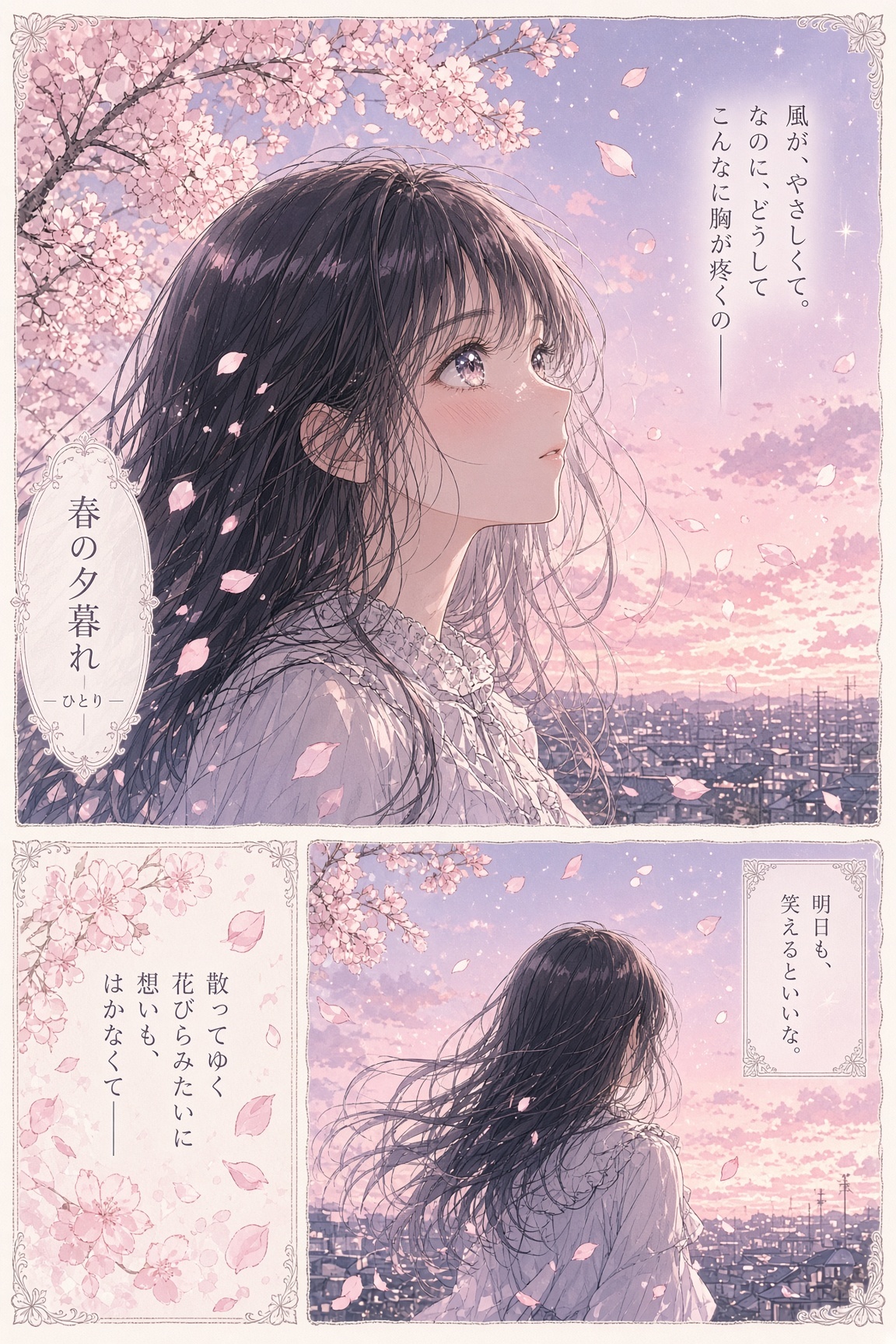
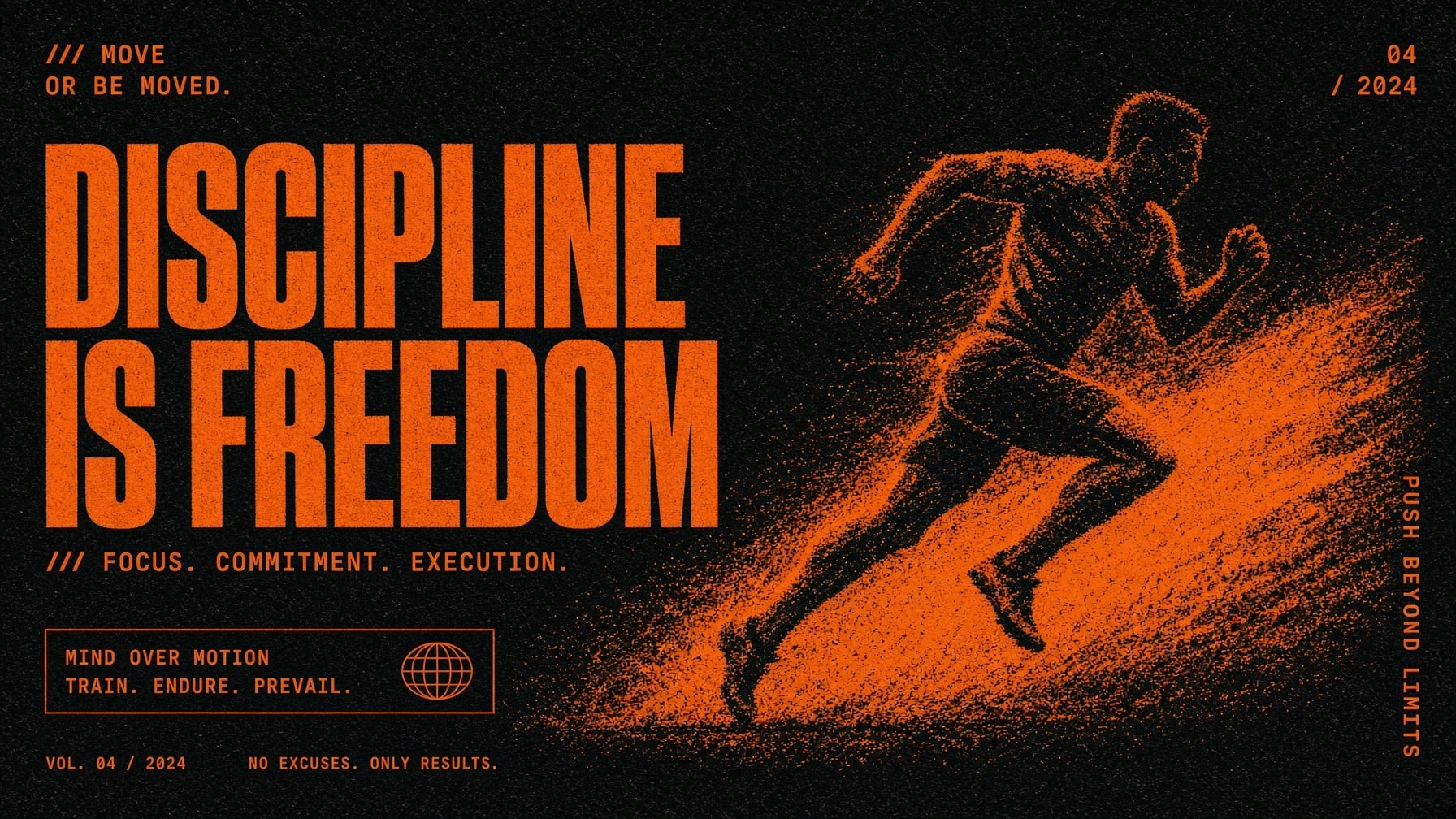
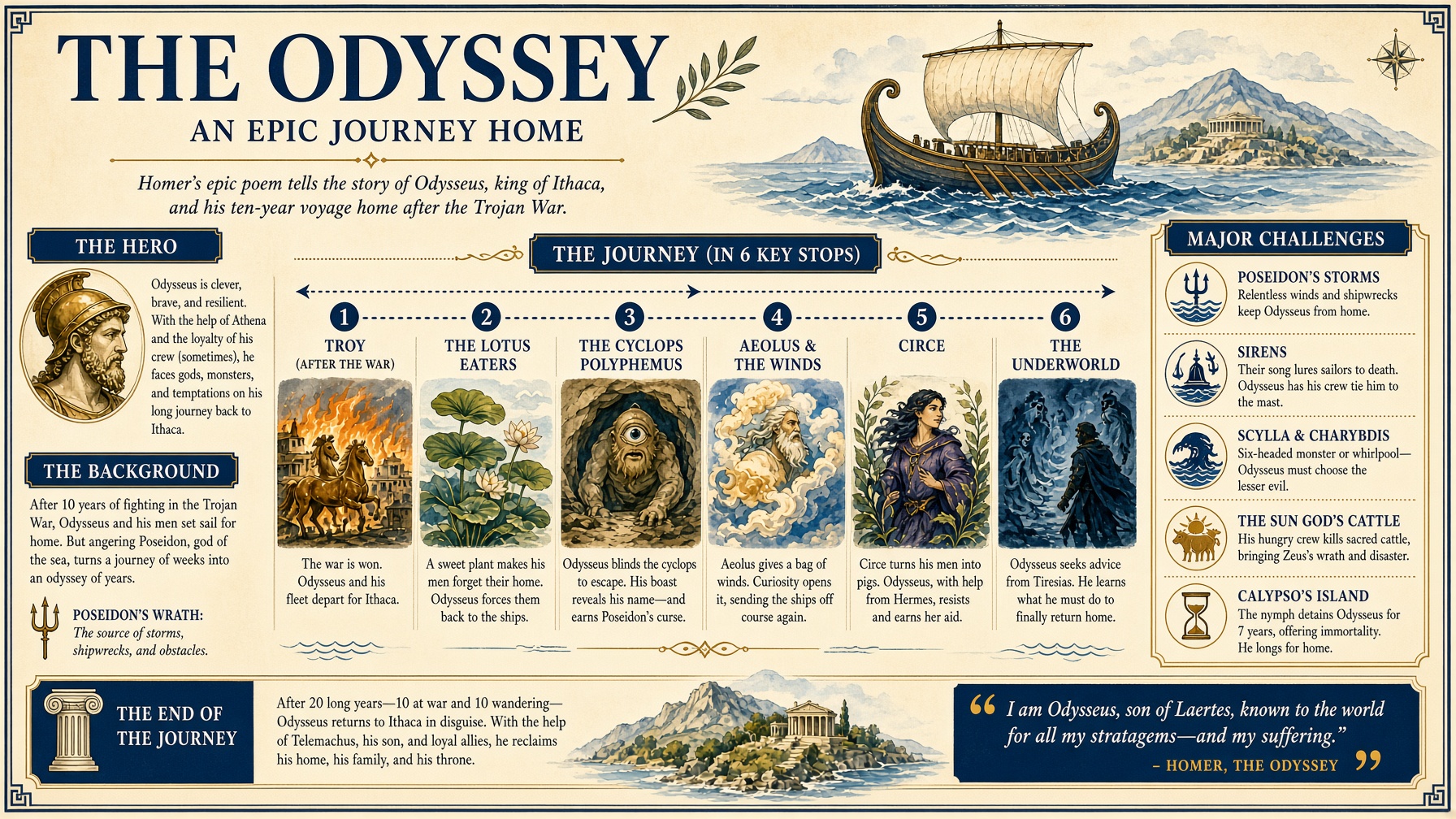
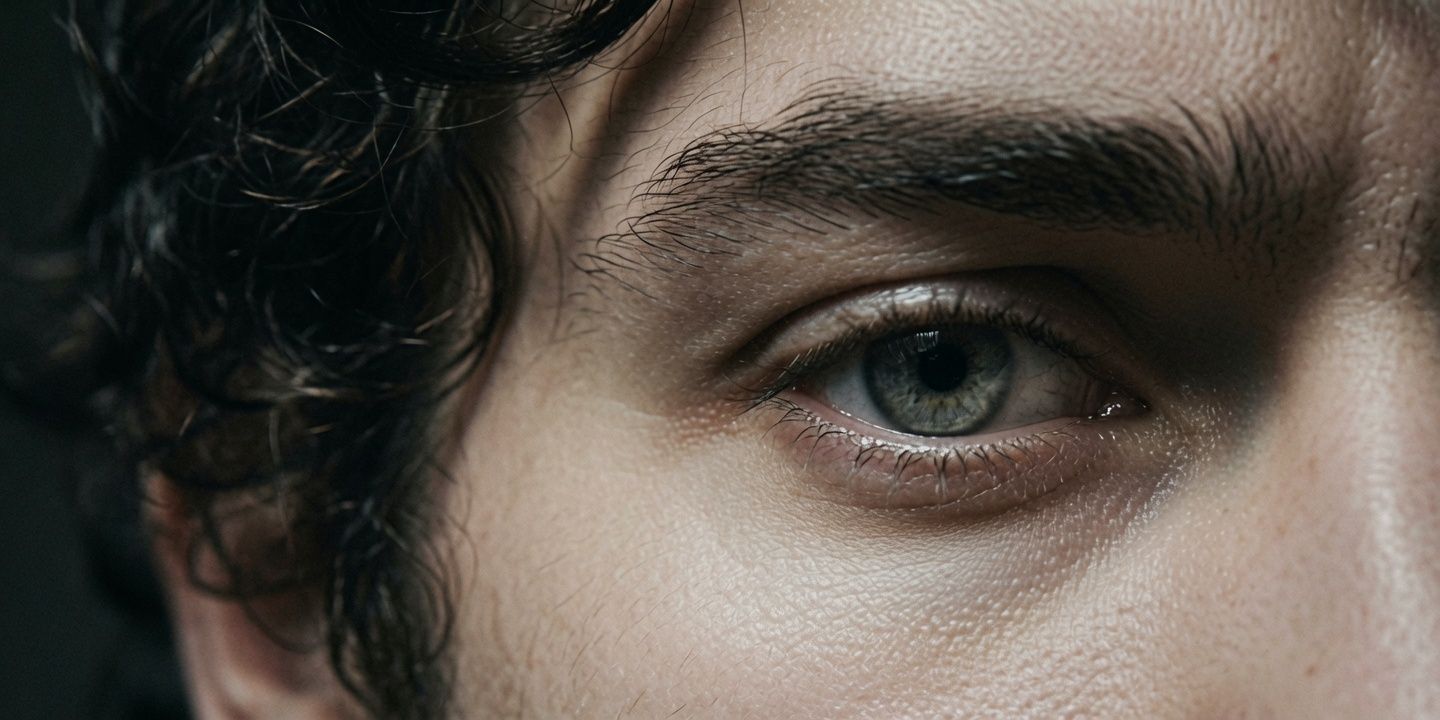
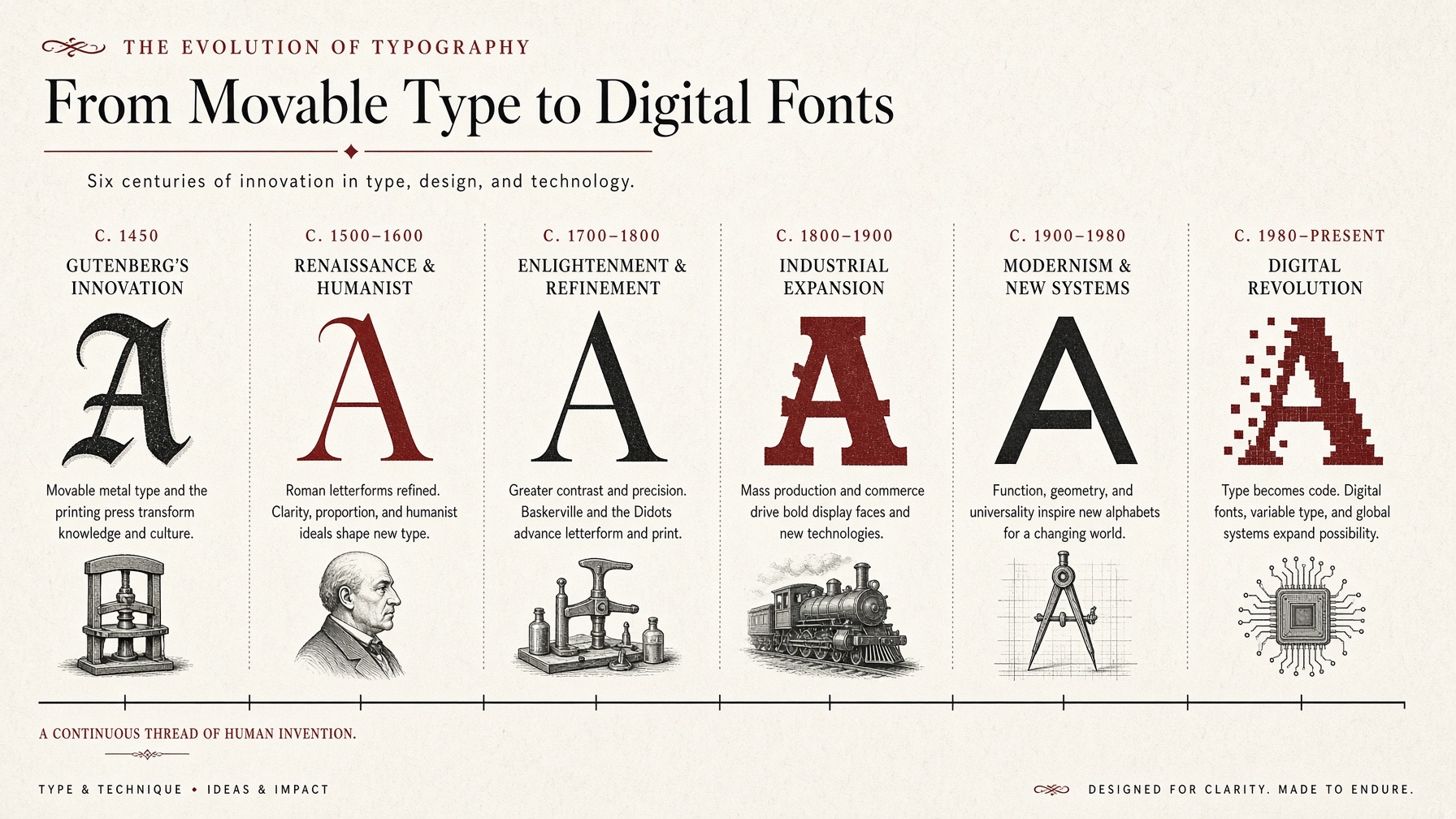
Grok Imagine Image 2.0 is xAI’s image generation and editing model, now available on Gvid. It turns written instructions into images or changes an uploaded picture. The update focuses on closer instruction following, stronger typography and layouts, and preserving visual details through edits.
A visual brief can include both the look of an image and the structure of a finished design.
Provide the exact wording, headline placement and visual hierarchy for a poster or information graphic. Image 2.0 is designed to handle typography and multi-part layouts, so your prompt can describe the whole composition. Review generated spelling and small print before publishing.
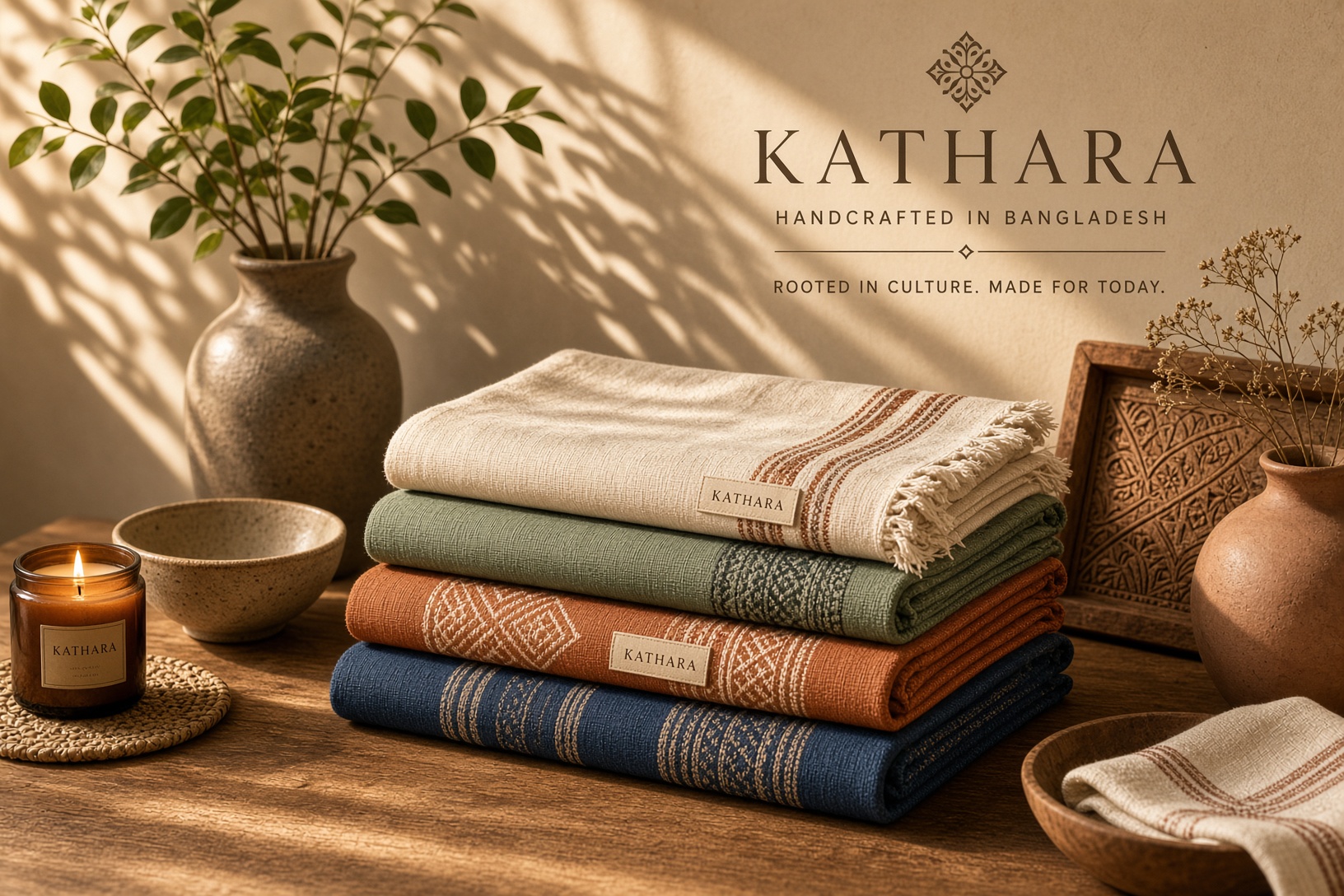
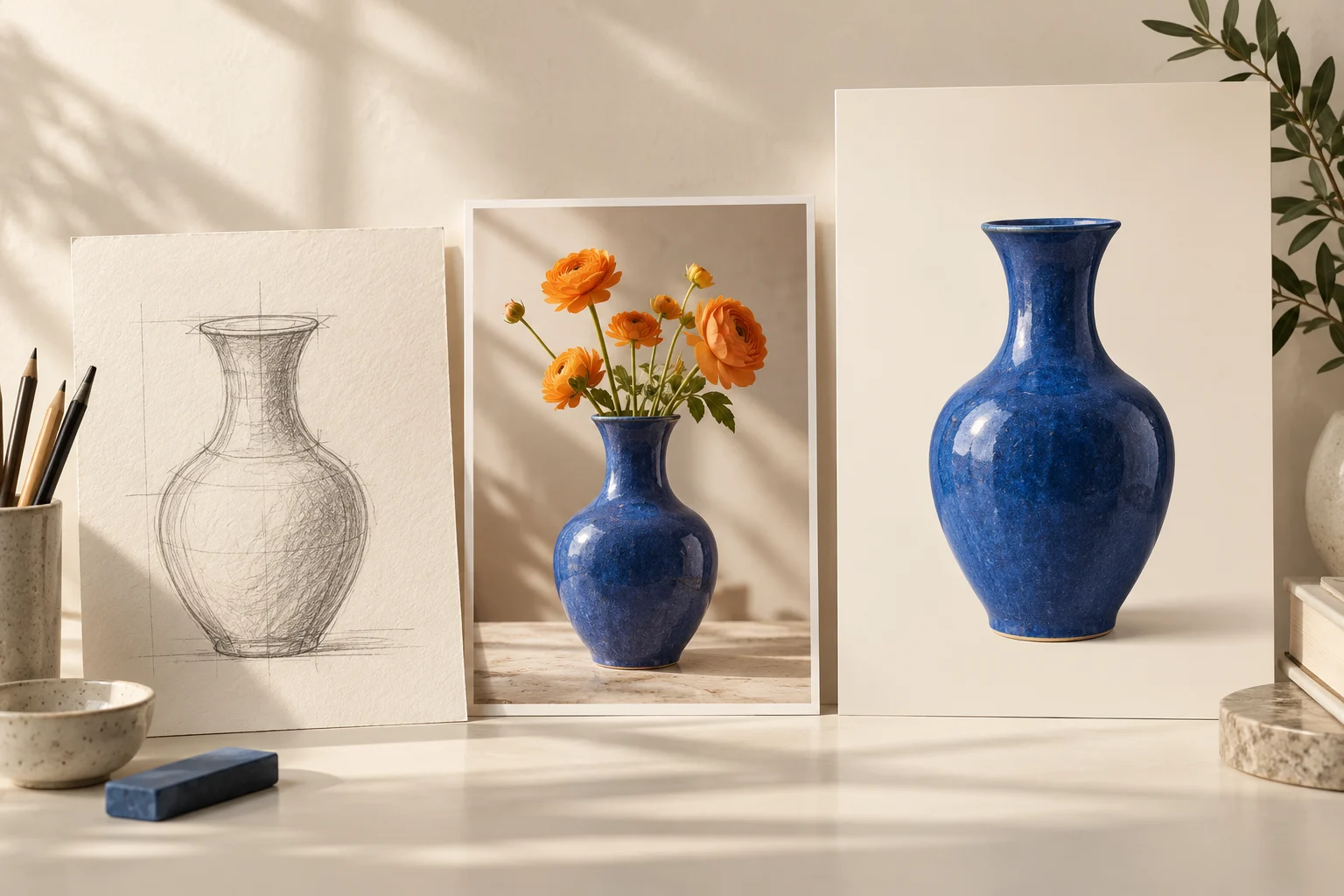
Specify a product’s material, the surface it sits on and the direction of the light to create a considered product scene. Use the same approach for portraits: describe framing, expression and atmosphere to guide a photographic result.
Ask for pixel art, manga, watercolor or cinematic photography, then describe the subject and composition within that style. A game title screen, a comic panel and a travel poster each need a different brief; name those choices to shape the result.
Start with a clear brief and refine the parts that matter to your final image.
Keep Grok Imagine Image 2.0 selected. Use Text to Image for a new scene or Image to Image to upload one picture.
Describe the subject, composition, lighting and style. For edits, say what to change and what to preserve; quote any required text.
Choose an aspect ratio, 1K or 2K resolution, and an available quality setting. Review the displayed credit cost before generating.
Inspect the result, including lettering and fine details. Download it or upload it in image-editing mode with a revised instruction.
Shape each prompt around the image’s destination, audience and visual purpose.
Combine a specific headline with a hero subject, color palette and layout for an event or promotional concept.
Explore studio arrangements, surfaces and lighting for product launches, shop visuals and mood boards.
Turn an article theme into a visual metaphor, or request an illustrated layout with headings and captions.
Develop pixel-art title screens, fantasy locations and prop concepts with a defined palette and atmosphere.
Describe a character, setting and panel composition to explore a story in manga, watercolor or another medium.
Choose vertical or square framing for illustrated posts, portrait concepts and visual announcements.
Practical answers for creating images with the generator on this page.
Yes. The generator on this page supports Grok Imagine Image 2.0 and selects it by default. You can create an image from text or edit one uploaded reference.
The update focuses on instruction following, typography and layout, and preserving details through edits. These changes are particularly relevant to posters, text-rich compositions and iterative image work.
Yes. Choose Image to Image, upload one picture and describe the changes. Include the elements you want to keep, such as the subject, framing or lighting. This page supports one reference image per generation.
The generator offers 1K and 2K resolution, with square, portrait, landscape and wider or taller aspect ratios. Select the format that matches the destination of your image.
This model uses credits on Gvid. The generator displays the cost for your selected settings before submission. See pricing for credit plans.
Put the exact wording in quotation marks and describe its position, size and relationship to the main subject. Keep the visual hierarchy clear, then check spelling and small text in the generated result.
The generator offers medium and low quality for this model. Select a setting alongside your resolution and aspect ratio, then review the displayed credit cost before generating.
Yes. Download your image and use it as a starting frame in the Grok Imagine video generator. Image generation and video generation are separate tasks.
Start with a scene, a headline or a photo to revise. Choose your format and create an image you can build on.