
Grok Imagine filmmaking involves more than writing a cinematic prompt. The useful question is how to turn separate generated images and clips into a scene with a coherent look, recognizable characters, and readable movement. A September 29, 2026 official Odyssey pilot thread offers a concrete production example: Wonder Studios delivered its pilot in 15 days using 2,070 images and 1,558 videos, according to Grok Imagine.
Those are reported production figures, not our measurements or a suggested beginner budget. The thread is valuable because it explains choices behind the imagery: establish a visual style, edit individual elements, select from many candidates, and describe movement precisely. Below, we separate that published account from practical planning suggestions you can adapt to a smaller scene.
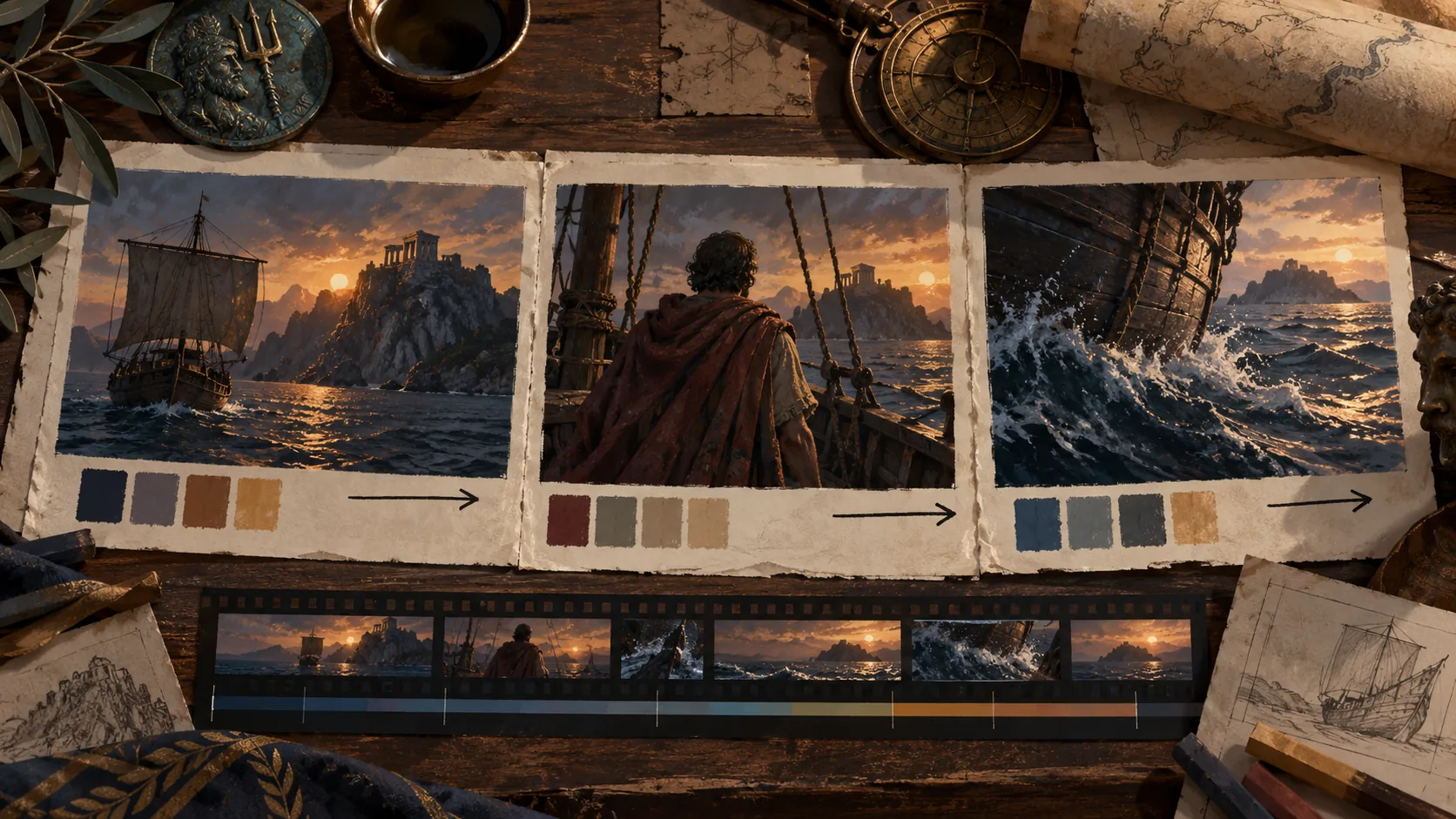
Establish the look before generating motion
The official thread says Wonder Studios chose a gritty, textured, slightly desaturated visual direction and used segmentation for precise changes to clothing, hair, props, and other elements. This suggests a useful production order: settle the still image before asking it to move.
For your own scene, write a short visual brief that stays consistent across shots. Specify the setting, wardrobe, materials, palette, and light. For example, a fictional harbor scene might use weathered wood, faded wool clothing, cool shadows, and low amber sunlight. Keep that brief alongside each accepted image so revisions have a clear reference point.
When an image is almost right, identify the smallest change that would make it usable. Changing a cloak color and rebuilding the entire composition are different jobs. Preserve an accepted version before another edit; compare the revised image against it for accidental changes to faces, hands, lettering, or props. This is an editorial workflow recommendation, rather than a reproduction of the studio's complete process.
Generate candidates, then select deliberately
In its mode-selection explanation, Grok Imagine describes Speed Mode as useful for producing a broad selection of cinematic visuals. It describes Quality Mode as cleaner and more precise for studio and advertising work. These are the provider's characterizations; the thread does not supply a controlled quality comparison.
A practical takeaway is to define acceptance criteria before choosing an image. Does the subject read clearly? Is there enough space for the intended movement? Does the lighting match the adjacent shot? Is the costume consistent? A striking image can still be a poor starting frame if the planned action has nowhere to go.
Keep a small shortlist with a reason for each choice. One candidate may have the best face, another the best composition. Decide which matters for the shot instead of choosing on overall spectacle alone. You do not need to reproduce thousands of generations to apply this selection discipline.
Treat references as a continuity decision
The thread advises locking an image as a reference, describing this as unlocking an Omni video workflow and making characters more responsive to prompts. That statement concerns the Grok Imagine interface used in the case study. It does not establish that every API, reseller, or generator exposes the same control.
Before beginning a sequence, check which input modes your chosen interface actually supports. A starting frame establishes the opening composition; a character reference guides identity. Those roles can overlap, but they solve different problems. For a conversation scene, prepare a short continuity sheet: accepted character images, costume details, prop placement, and the direction each person faces.
For Gvid, use the controls available in the generator you select. This article does not announce an Omni integration or promise the case study's mode controls on Gvid.
Make movement observable
One of the thread's clearest lessons is its advice on shot drift: ambiguous movement descriptions can be less useful than explicit directions. A phrase such as “crosses the scene” leaves the entrance, path, and exit unspecified.
Here is an original prompt-planning example, not a tested output:
An adult traveler in a faded blue cloak enters from the left edge of a harbor walkway, walks toward the moored wooden boat on the right, and stops beside its bow. Keep the camera fixed at waist height. Preserve the traveler's clothing and the boat's position. Low evening sunlight, quiet waves, and soft footsteps. End with a brief still hold.The directions give you specific things to assess: entrance side, destination, stopping point, and camera stability. If the result fails, revise the instruction responsible for that failure. Add a camera move only when it serves the scene; a moving subject and a moving camera create two separate continuity problems.
Use imperfection with a purpose
Grok Imagine also credits off-level framing, displaced subjects, and camera wobble with making the pilot feel less artificially pristine. Treat that as a creative choice, not a universal realism setting.
A slightly unsettled frame may fit a tense deck scene. A product demonstration may need stable framing and precise geometry. Decide what the audience should feel, then choose one visible imperfection that supports it. Random wobble in every shot can make the sequence harder to follow.
Start with one complete scene
A manageable first exercise is a three-shot harbor arrival: an establishing view, the traveler approaching the boat, and a close detail of a hand resting on the rail. Plan the action and final position of each shot before generating. Compare the selected clips for wardrobe, light direction, geography, and movement continuity, then assemble them in an editor.
Track the number of attempts and the reasons for rejecting clips. That gives your next project a useful production baseline without treating the Odyssey figures as a forecast. For broader prompt templates, see our Grok Imagine image and video prompt guide and video prompt examples.
The official thread announces that further Odyssey episodes are planned. It does not disclose a complete editing pipeline, total production cost, or guaranteed results for these techniques. Use its published lessons to organize your next scene, and judge the finished sequence by continuity and storytelling as well as individual frame quality.